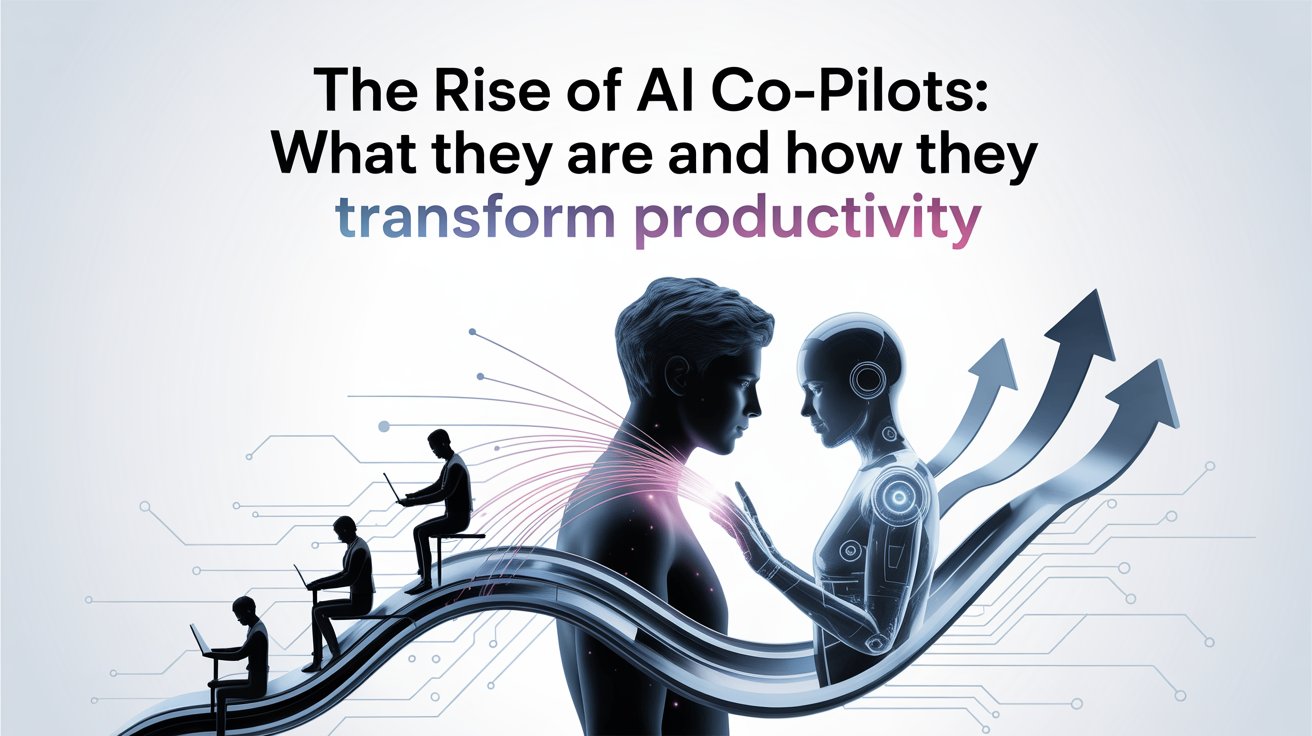
The Rise of AI Co-Pilots: What They Are and How They Transform Productivity
AI co-pilots are showing up in workplaces because people are genuinely struggling to keep up. Emails, meetings, reports, data, deadlines, everything competes for attention at the same time. Instead of adding another tool to learn, AI co-pilots fit directly into the tools people already use and quietly help with everyday work. They can summarise long emails, draft first versions of documents, or assist while coding, without taking over the job.
Earlier AI tools worked separately and often felt more like experiments than real support. Co-pilots are different because they stay in the background and assist only when needed. The current work environment which requires employees to split their time between office work and remote work together with the overwhelming number of information sources has resulted in increased productivity demands across all job positions. The rising need for practical work skills which will improve their job performance is driving people to take an Artificial Intelligence Course.
What Are AI Co-Pilots?
The AI co-pilots function as support tools which operate alongside users instead of taking their place. Users can accomplish tasks more efficiently through the built-in support functions that operate within common software programs such as email and spreadsheets and code editors and dashboards. The system provides help according to the current actions of the user instead of executing tasks without user involvement.
This is what sets them apart from traditional automation or chatbots. Automation works on fixed rules and predefined steps, while chatbots usually answer direct questions and stop there. AI co-pilots stay active in the workflow. They help draft content as you type, suggest improvements, flag issues, or organise information in real time.
At the core, these tools rely on advanced language models, contextual understanding, and deep integration with existing software. The system requires users to maintain control over their work because they need to evaluate results which will determine their final choices. The co-pilot serves as a work assistant who helps users complete their tasks without taking over their job responsibilities.
Evolution: From Digital Assistants to Intelligent Co-Pilots
Digital assistants from the past such as Siri and Alexa were designed to handle basic commands that users needed for their daily activities. The system provided a brief response to your inquiry which ended the interaction. They didn’t really understand what you were working on or help beyond basic tasks. For most professionals, they stayed more of a novelty than a work tool.
Co-pilots evolved because work itself became more complex. People now juggle emails, documents, data, and tools at the same time. Newer systems can follow context, remember what you’re doing, and assist while the work is happening. That’s why the term “co-pilot” fits better. It suggests shared control. The system assists with the process but the individual maintains control over their actions and their preferred methods of execution.
Key Use Cases Across Industries
Software Development
The primary purpose of co-pilots in software teams exists to minimize their everyday tasks. Developers spend a lot of time writing similar blocks of code, fixing small errors, or looking up syntax. GitHub Copilot provides developers with code suggestions during their typing which leads to faster work and decreased basic errors. The software helps developers by reducing their need for back-and-forth communication while it enables them to spend more time on logical thinking and problem-solving tasks.
Business and Enterprise Workflows
In office environments, co-pilots are commonly used in emails, documents, and meetings. Microsoft 365 Copilot, for example, helps draft emails, summarise long documents, and create meeting notes from discussions. This saves employees time on routine communication and reporting tasks. The process becomes more efficient when people start with an existing draft which they will improve through their own work.
Data Analysis and Decision Support
Co-pilots help managers and analysts by making it easier for them to handle extensive data sets. Users can receive quick summaries by asking direct questions instead of searching through spreadsheets or dashboards. The system enhances decision-making speed by allowing users to easily identify trends and compare data points. Business leaders benefit because insights become available to them faster and without requiring them to master technical knowledge.
How Co-Pilots Transform Productivity
The co-pilot system enables users to save time by automating their daily work tasks. The process of drafting emails and data organization and document summarization requires several hours of work but these tasks can be completed within a short time frame. Many employees report finishing these tasks 30–40% quicker which allows them to focus on more important work.
They also help improve the quality of outputs. By keeping information organised and highlighting potential mistakes, workers make fewer errors and produce clearer results. This reduces mental strain and makes it easier to concentrate on complex tasks.
Co-pilots support better decision-making as they help users make better choices. When summaries or organised data are readily available, people can act on relevant information without searching through multiple sources. The team members work together better because they all share the same understandable information, which helps them cut down on the time required for meetings and discussions.
The combination of reduced repetitive work and decreased mental demands together with improved teamwork abilities enables co-pilots to assist employees in performing strategic thinking, problem-solving and creative work, which represents their essential job functions.

Real-World Impact and Early Results
The effects of co-pilots have started to show their effects through their applications in daily work activities. Software teams that use GitHub Copilot report that developers complete typical coding tasks more quickly and with fewer changes. The development process speeds up because developers can maintain control of their output while they work through standard code segments.
Microsoft co-pilot tools serve as the primary tool for office workers to handle their email and document and meeting note requirements. Employees say they spend less time drafting and organising information, which helps reduce follow-up work and long meetings. The benefit is not dramatic change, but steady time savings across the day.
Public sector trials show similar results. Government employees using co-pilots reported saving small amounts of time on daily administrative tasks. Those extra minutes which accumulated through the weeks and months brought relief from work demands while maintaining current job responsibilities.
Challenges and Limitations
- Too much dependence: When people start trusting suggestions blindly, they may stop double-checking work or thinking things through on their own.
- Privacy worries: These tools often work with internal emails, files, or reports, which raises concerns about who can access that information and how it is stored.
- Errors still happen: Suggestions are not always correct. Missing details, wrong interpretations, or outdated inputs can slip through if not reviewed carefully.
- Human responsibility: Final decisions still rest with people, and skipping reviews can lead to mistakes.
- Skill gap: Many employees are unsure how to use these tools properly, which limits their usefulness instead of improving productivity.
The Future of Co-Pilots
- More independent task handling: Co-pilots must complete extended tasks which require multiple steps without needing human assistance while their performance can still be monitored by people.
- Industry-focused tools: Co-pilots will be developed to meet the specific operational needs of different industries which include finance and healthcare and legal work by creating tools that match their particular workflows and regulatory requirements and document handling procedures.
- Deeper workplace integration: The tools will become basic elements of daily software usage instead of being treated as extra features.
- Support, not substitution: The co-pilot system will remain operational to help users complete their tasks while decreasing their work burden and increasing their productivity.
Conclusion
Co-pilots have gained significance because they enable people to complete their tasks more efficiently while maintaining their regular work patterns. Responsible usage of these tools allows users to experience less stress while saving time and improving teamwork ability because they maintain human control. People need to acquire skills for using these tools in a smart way instead of using them without any thought. The evolving nature of workplaces demands practical learning solutions which AI and ML Courses in Bengaluru provide to help professionals maintain their skills and enhance their long-term use of these technologies.

Ehtisham Ahmad, the mind behind techspicies.com, is passionate about technology, innovations and SEO-driven content that empowers readers to stay ahead in the digital world.
Founder & CEO
Ehtisham Ahmad, the mind behind techspicies.com, is passionate about technology, innovations and SEO-driven content that empowers readers to stay ahead in the digital world.